Teacharium user guide
Jump in and build a lesson
Watch complete projects come together from start to finish — then try it yourself.
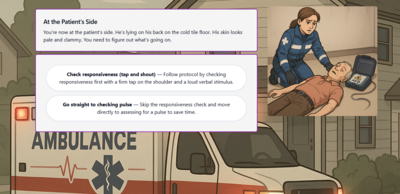 Paramedic Scenario
Create a branching dialogue where learner decisions drive the outcome.
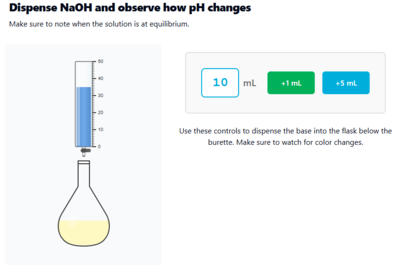 Chemistry Simulation
Combine widgets, variables, and branching to build an interactive lab.
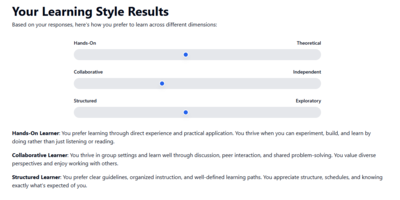 Learning Inventory
A learning style survey across three dimensions with visualized results.
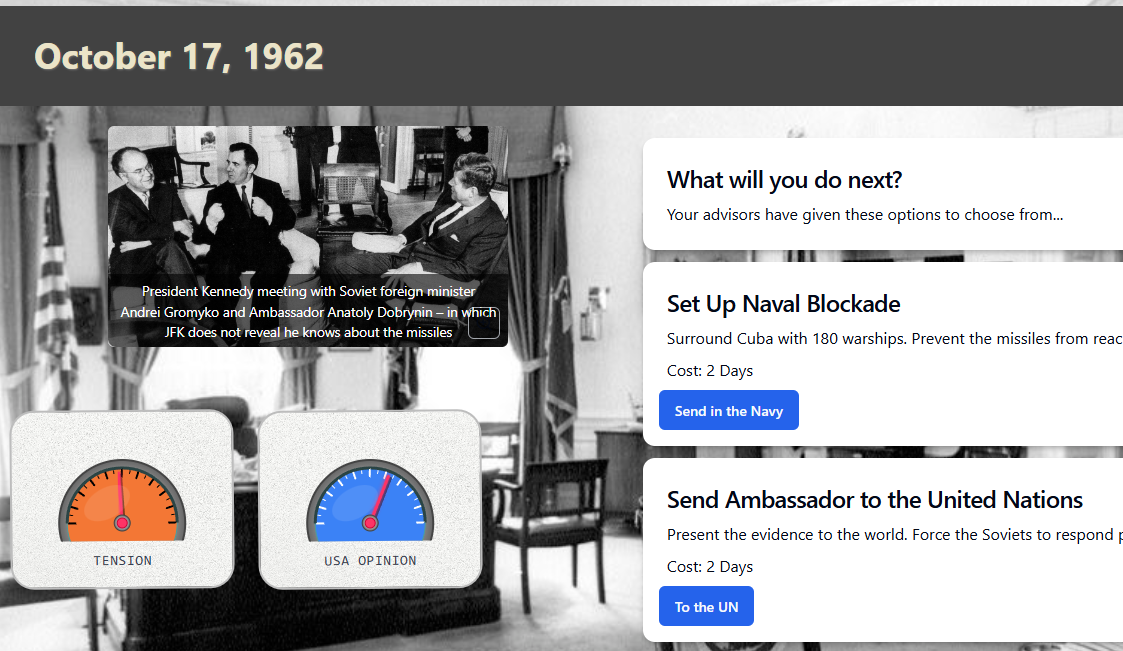 Cuban Missile Crisis
Navigate the choices of the Cuban missile crisis as President Kennedy.
Get started
New to Teacharium? Start here to learn the basics and build your first lesson.
- What is Teacharium? — Video introduction and overview
- How Teacharium works — Sections, steps, variables, and components
Build your lesson
Add text, images, layouts, voice, and quizzes to your lesson steps.
- Plan with a lesson abstract — Define goals and structure before building
- Add & format content — Text components and rich formatting
- Add images & media — Media library and Unsplash integration
- Design with grid layouts — Structured multi-column layouts
- Add voice & narration — Text-to-speech and voiceover options
- Adding questions — Video tour of all question types
- Reuse step templates — Save and reuse common layouts
Make it interactive
Build lessons where learners choose their own path.
- Branching lessons overview — Video guide to branching techniques
- Variables and interactive controls — Connect components and show/hide content based on variables
See it built
Watch complete projects come together from start to finish.
- Build a paramedic scenario — Create a branching dialogue with decision points
- Build a chemistry simulation — Combine widgets, variables, and branching
- Create a learning inventory — Build an AI-powered preference assessment
- Build a custom results widget — Visualize learner results with a radar chart
Share your work
Get your lessons in front of learners.
- Publishing & delivering lessons — Publish versions and deliver to learners
- Embed in your site — Deliver lessons in your website or app
- LTI integration — Connect lessons to your LMS
Reference
Detailed docs for question types, logic widgets, scoring, and more.
- Question types — Multiple choice, matching, ordering, matrix, and more
- Logic widgets — Control navigation, gating, branching, and hints
- Navigation choices — Learner-driven branching and path selection
- Scoring & items — How items track attempts and scores
Developer documentation
API access and embedding for developers.
- Developer documentation — API authentication, endpoints, and embedding guides
Public roadmap
We share our product roadmap publicly so you can see what we’re working on, our timelines, and upcoming features. Visit the roadmap to follow our progress and see what’s coming next for Teacharium.