What Is Teacharium?
Teacharium is a lesson builder for creating interactive learning experiences. You design lessons with drag-and-drop components, then deploy them however you want: embed directly from Teacharium, or export and self-host for full control.

Build lessons people actually want to take
Most educational content is static. Walls of text. Click-through slides. Learners zone out because there’s nothing to do.
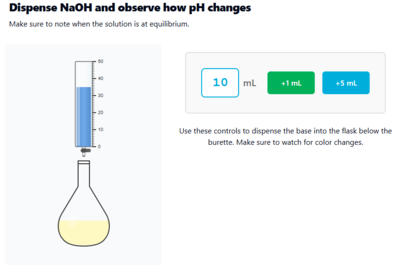
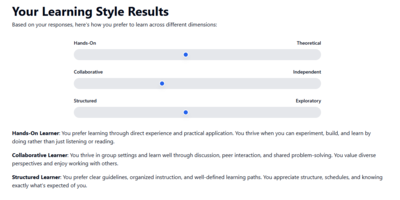
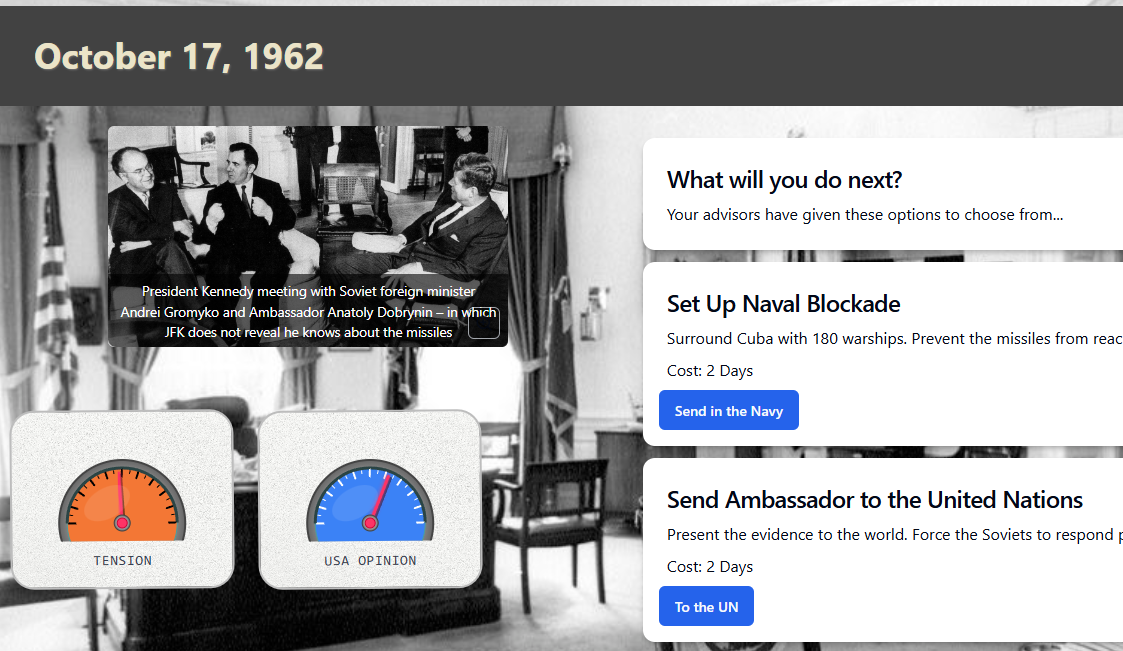
Teacharium gives you a visual editor with components that respond to learners: quizzes, sliders, drag-and-drop activities, simulations, custom widgets. Variables wire components together so a slider can control a chart, or a learner’s input can change what happens next.
The result is lessons that feel like products, not PowerPoints.

Three ways to deploy
You Host It
Export and self-host
Full ownership. Download your lesson and run it on your own servers.
Publishing docs →
We Host It
Embed from Teacharium
The simplest path. Teacharium hosts and delivers the lesson for you.
Embedding docs →
LTI integration
Connect directly to your LMS. Teacharium supports LTI so grades and progress sync automatically.
✓ Works with Canvas, Moodle, Blackboard, and other LTI-compatible platforms
LTI docs →
AI that does the tedious parts for you
Good instructional design is a human skill. Knowing what to teach, how to sequence it, what questions to ask, when to challenge and when to support — no AI replaces that. Our AI tools exist to remove the busywork so designers can spend their time on the parts that actually matter.
Starting from scratch is the hardest part of building a lesson. Teacharium’s AI tools get you past that.
Describe what you want to teach and the AI generates a full lesson structure with sections, steps, questions, and content that you can edit and refine. Need images? The media library generates them. Want a custom interactive widget? Describe it in plain language and the AI writes the code.
You make the creative decisions. The AI handles the grunt work.
Who it’s for
- EdTech companies that would rather ship learning features than spend years building authoring infrastructure from scratch. Teacharium gives you a full lesson editor so your engineering team can focus on what makes your product different.
- Educators and instructional designers building interactive curriculum without writing code
- Companies tired of paying per-learner licensing fees for internal training
- Developers who want a lesson engine they can extend with custom widgets
Get started
Head to How Teacharium Works for a video walkthrough and core concepts.